YouTube Video to Text
Transcribe single YouTube videos for free — or process entire playlists & channels.
Convert any YouTube video to text in seconds. Free for single videos, no registration required. Works with public videos, supports TXT, SRT, VTT, JSON, and CSV formats, and handles multiple languages automatically. A quick online tool for students, researchers, journalists, and content creators working with video content.
E.g: https://www.youtube.com/watch?v=...
How to Convert YouTube Video to Text
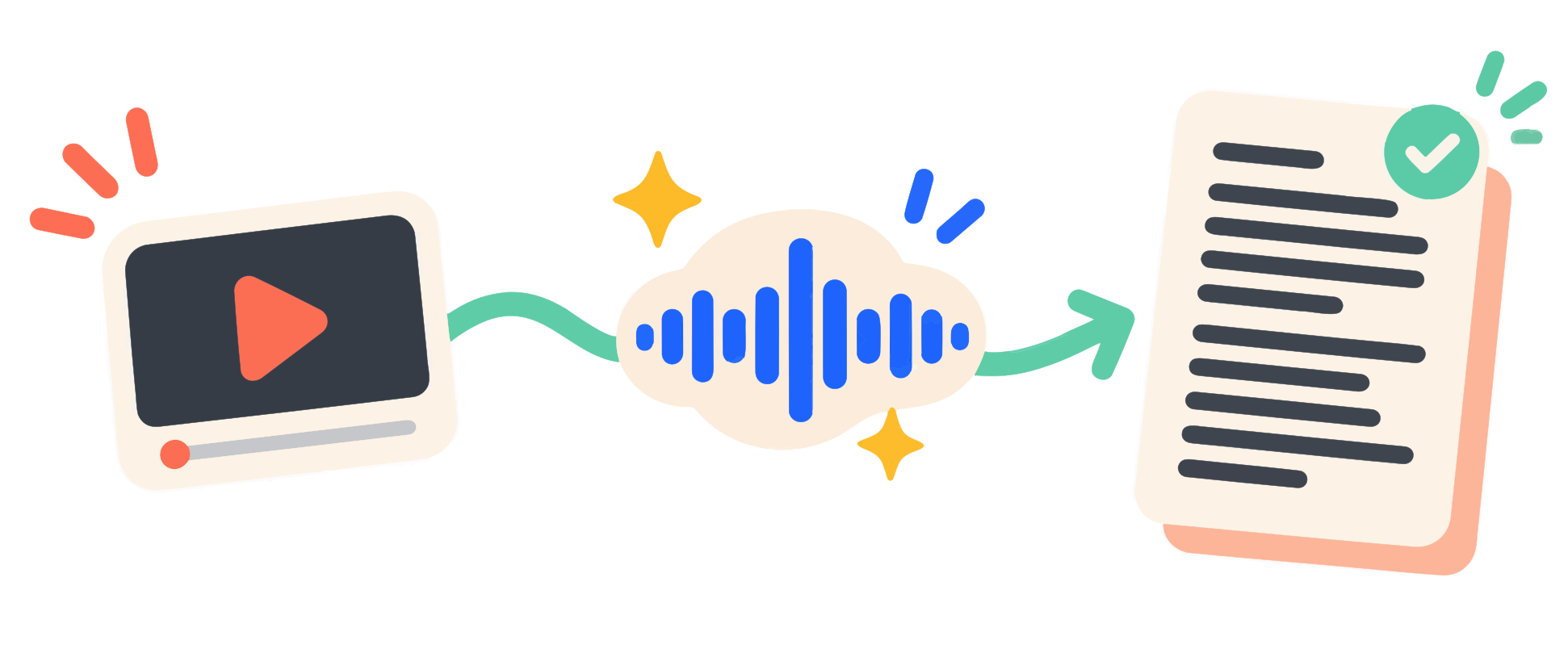
Extract YouTube transcripts in three simple steps
Paste a YouTube URL
Copy any public YouTube video link and paste it into the input field
Click Convert
Our tool extracts the transcript from YouTube captions in seconds
Download or Copy
Get results as TXT, SRT, VTT, JSON, or CSV. Copy with one click
Why Choose GetTranscript
Fast, accurate, and free for single videos.
We achieve up to 99.9% accuracy because we always prefer human-created subtitles provided by the video author. Only if no manual captions exist do we use YouTube's auto-generated transcript. This makes our YouTube video to text converter one of the most reliable free tools available.
5 Export Formats
Choose from TXT, SRT, VTT, JSON, or CSV
No Registration
Extract transcripts without creating an account
Multi-Language
Automatically picks the video's original-language captions
Bulk Processing
Extract transcripts from entire playlists and channels. You can bulk extract transcripts up to 100 videos per job.
Developer API
Integrate our tool into your own apps. Read the REST API documentation for seamless integration.
AI Summaries
Instantly turn hour-long videos into 2-minute read summaries using advanced AI.
Practical Use Cases for YouTube Video to Text Conversion
Video is a dominant format for sharing information, but it is not always the most efficient way to consume it. Watching a 30-minute tutorial to find one specific instruction can be frustrating. By converting a YouTube video to text, you transform passive video content into an active, searchable database. Our free online tool is designed to help you extract and download YouTube captions in seconds, giving you the flexibility to use the text however you need.
For Students and Researchers: Students and academic researchers frequently use YouTube to access lectures, seminars, and documentaries. Extracting the transcript allows them to quote speakers accurately, search for specific keywords within a presentation, and save time when compiling study notes. Instead of manually typing out sections of a video, you can simply copy the relevant text from the generated transcript file.
For Journalists and Analysts: Journalists, market analysts, and researchers often analyze public interviews, press conferences, or political speeches. Having a reliable video to text converter means you can quickly pull exact quotes and verify information without rewatching hours of footage. Exporting the transcript in formats like TXT or SRT makes it easy to integrate the text into your editorial workflow or data analysis tools.
For Bloggers and Marketers: Content creators and marketers know the value of repurposing content. A single YouTube video can be turned into multiple blog posts, newsletters, or social media updates. By using our transcript extractor, you get a solid text foundation to edit and expand. Furthermore, adding text transcripts to your website improves accessibility for users with hearing impairments and helps search engines crawl and index your video content, potentially improving your own SEO rankings.
Frequently Asked Questions
Everything you need to know about YouTube video to text conversion
Is this YouTube to text converter free?
Yes, converting single videos is completely free. No registration required. For bulk processing (channels and playlists), you need credits — see our pricing.
What formats can I export?
You can export transcripts as TXT, SRT, VTT, JSON, or CSV.
Can I convert videos without captions?
If a video has no captions, we cannot extract a transcript.
Do I need a YouTube API key?
No, you don't need any API key. Our system handles all communication with YouTube in the background. If you want to use our own API programmatically, you can create one in your API Keys dashboard.
How do I get a transcript of a YouTube video?
It's simple: copy the YouTube video link, paste it into the input field on this page our transcript extractor page, and click Search. The transcript appears in seconds — then you can copy it or download it in your preferred format. For a detailed step-by-step walkthrough, see our guide How to Convert YouTube Video to Text.
Does it work with auto-generated captions?
Yes. We always prioritize manual subtitles created by the video author, as they are the most accurate (up to 99.9%). If no manual captions are available, we automatically fall back to YouTube's auto-generated transcript. Accuracy of auto-generated captions varies depending on audio quality, accents, and background noise.
Does it work with YouTube Shorts?
Not yet. YouTube Shorts are not currently supported. We plan to add Shorts support in a future update — follow our blog or check back soon for announcements.
Is it legal to download YouTube captions?
Downloading captions for personal use — such as research, study, accessibility, or offline reading — is generally considered acceptable under fair use principles in many jurisdictions. However, the transcript content itself belongs to the video creator. You should not redistribute, republish, or use the extracted text commercially without the creator's permission. Always respect copyright and YouTube's Terms of Service.
How accurate are the transcripts?
Accuracy depends on the source: manual subtitles are ~99% accurate, while auto-generated captions vary based on audio quality.
Simple, Transparent Pricing
Choose the perfect plan for your transcript extraction needs — from occasional videos to bulk channel processing. Pure pay-as-you-go pricing with zero monthly fees.
Buy once, use anytime. 1 transcript = 1 credit
Sign in with Google to purchase credits. Free single-video extraction needs no account.
Free
$0
Extract a transcript from one video at a time.
Starter
$3.99
Ideal for students or hobbyists
Pro
$7.99
Perfect for professionals & content creators
Business
$19.99
Best for powerusers, agencies & teams
Need to process channels or playlists?
Sign in to extract transcripts from entire channels or playlists (up to 100 videos per job)
Sign In to Process Playlists